AI Hairstyle Generator: Your Ultimate Guide
Let's be honest. We've all been there. You're sitting in the barber's chair, phone in hand, nervously showing a picture of a haircut you want, secretly praying it doesn't end in disaster. That little voice in your head asks, "But will it actually look good on *me*?"
My name is Charlie, and I'm here to tell you that the days of haircut anxiety are over. You've probably heard the term "AI Hairstyle," but you might be wondering if it's just another tech gimmick. I'm here to demystify it for you. This isn't a boring technical manual; it's a conversation. Just you and me, exploring how this incredible technology can give you the confidence to find a look you truly love.
For years, we've had to rely on imagination, maybe some clunky old software, or the brave advice of a friend. But modern AI has completely changed the game. It's no longer about a weird, "pasted-on" look. Today's **AI hairstyle generator** can give you a genuinely realistic preview of your next haircut. Trust me, it's the ultimate "try before you buy," and it's a whole lot of fun.
What Exactly Is an AI Hairstyle Generator?
Let's get one thing straight: an AI hairstyle generator is not just a fancy photo filter. At its core, it's a powerful tool that uses artificial intelligence—specifically, a type of AI called a "generative model"—to digitally transform your hair in a photograph.
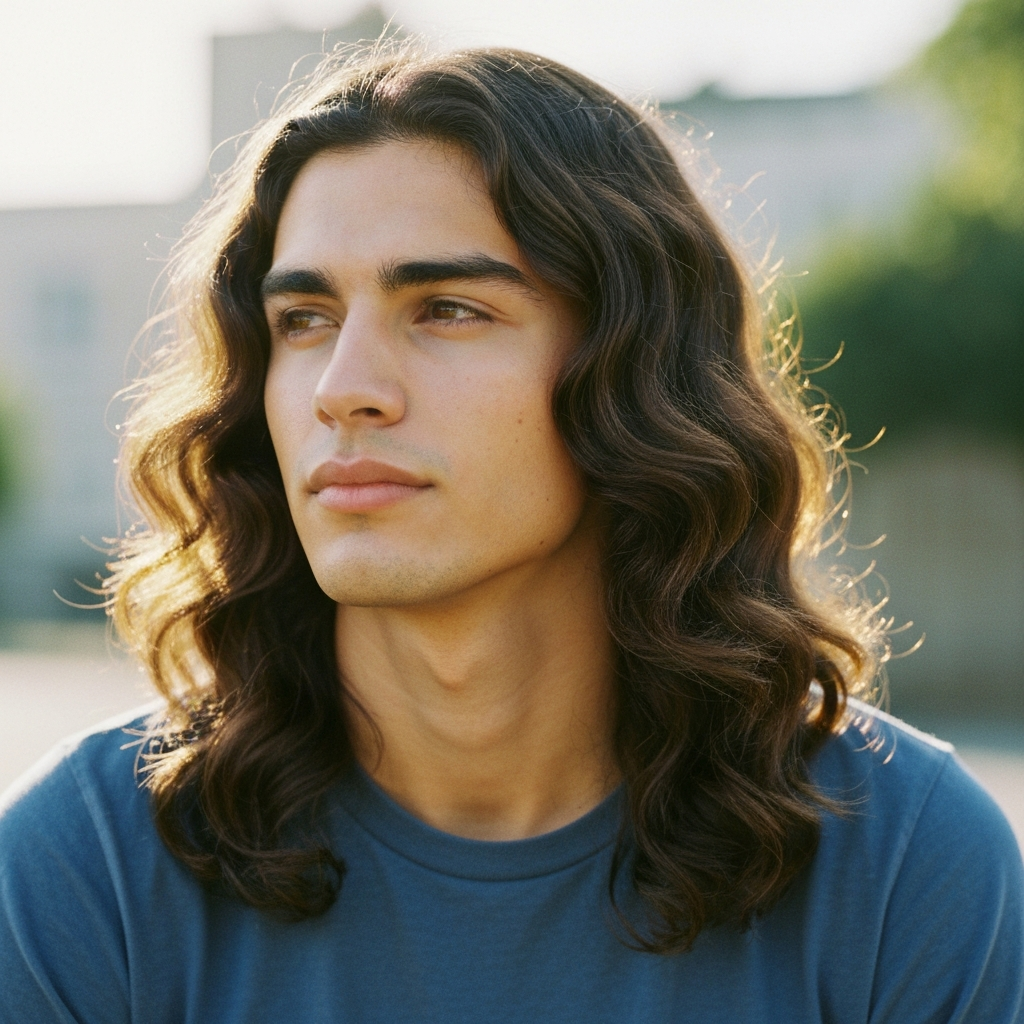
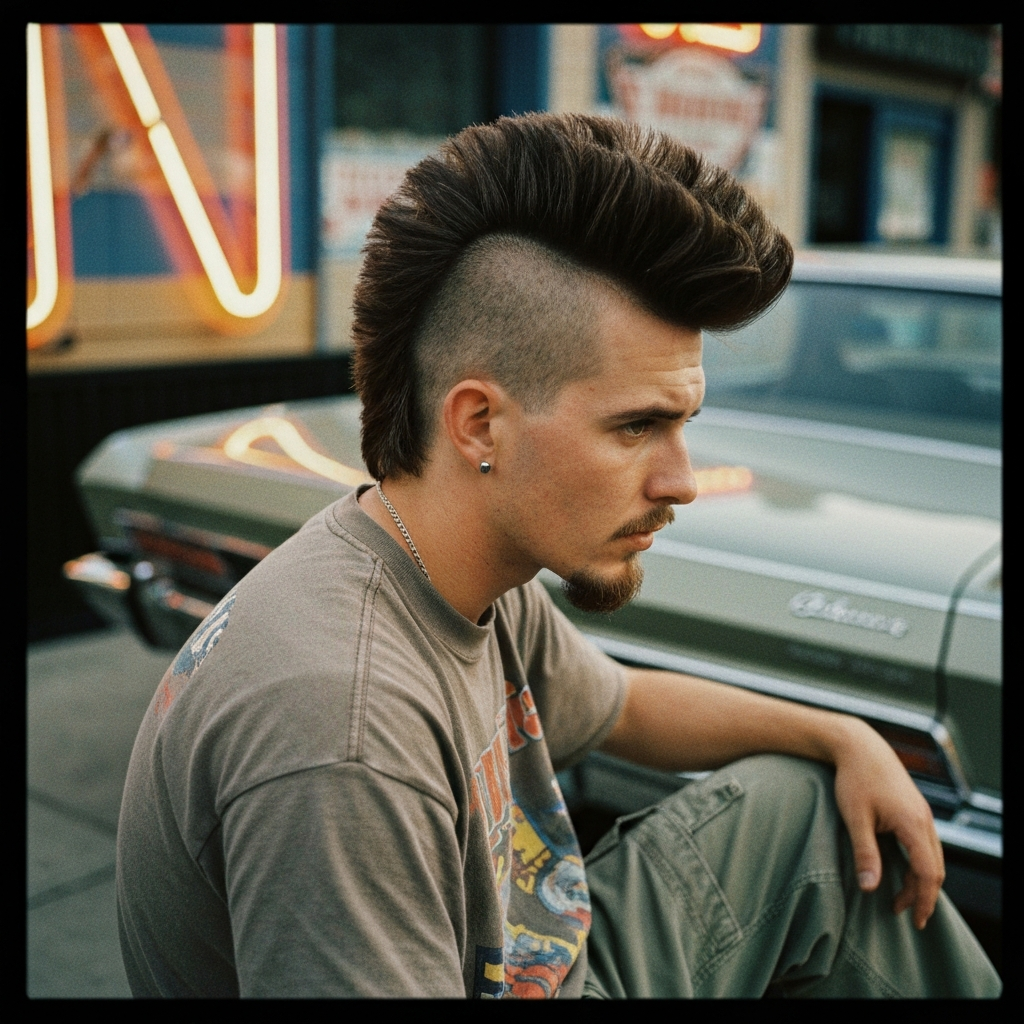
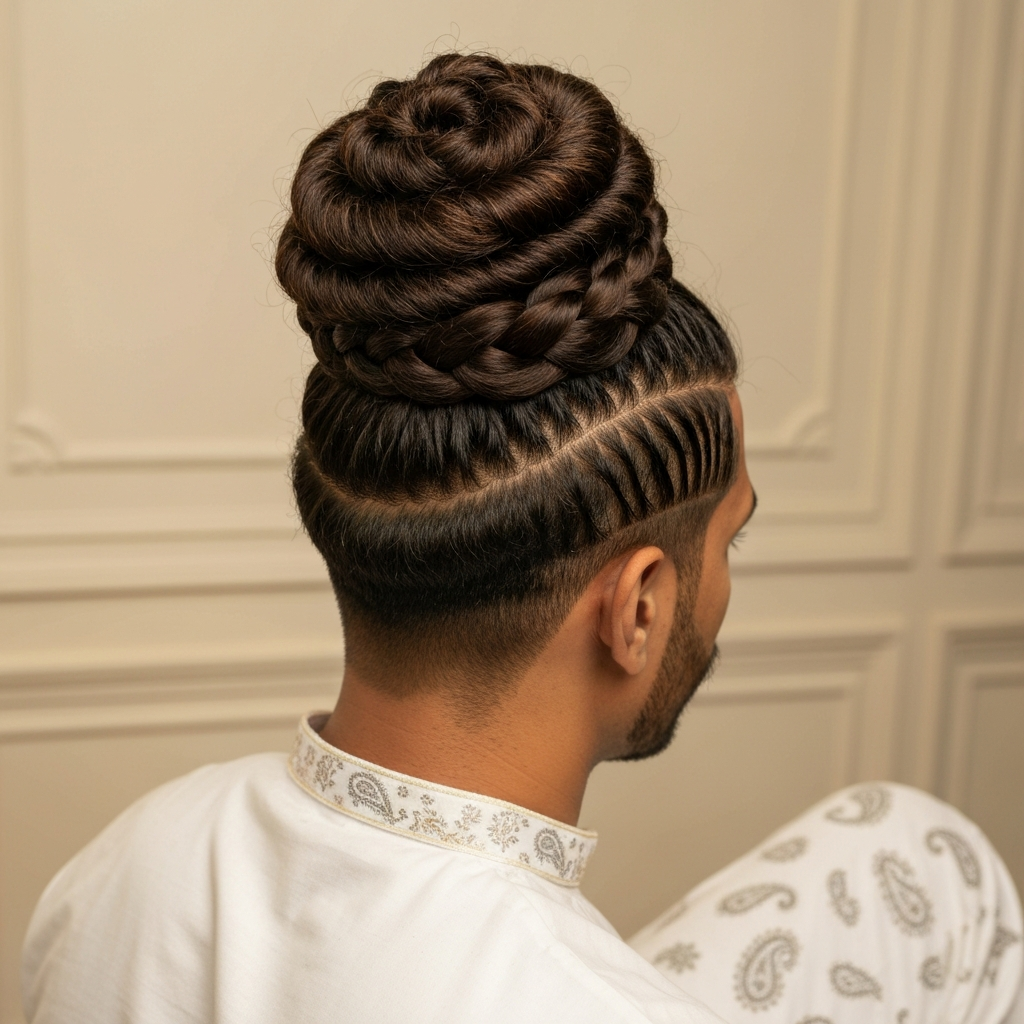
Think of it like an incredibly skilled digital artist who can look at your photo, understand the shape of your face, your current hair, and the lighting, and then realistically "paint" a new hairstyle onto you. You can ask for anything, from a classic boys hairstyle like a fade to a more adventurous mullet hairstyle. The AI understands these concepts and generates a new image showing you with that look.
Why is this a game-changer? Because it removes the single biggest fear in getting a haircut: the unknown. An AI hairstyle generator bridges the gap between imagination and reality. For the first time, you can see the results before you commit, which means you can walk into the barbershop with a picture of *yourself* with the haircut you want. It's the ultimate communication tool.

How to Get the Best Results from an AI Hairstyle Tool
Alright, this is probably the most important part. Like any tool, an **AI hairstyle generator** works best when you know how to use it properly. The quality of your input directly affects the quality of your output. Let's walk through the steps to get a result so good, you'll think it's real.
- 1. The Perfect "Before" Photo is Non-Negotiable:This is the foundation of your transformation. Forget that blurry selfie from last night. You need a clear, well-lit photo.
- Face Forward: Look directly at the camera. The AI needs to see the full shape of your face. No dramatic angles.
- Good, Even Lighting: Stand facing a window or a light source. Avoid harsh shadows, which can confuse the AI. Natural daylight is your best friend.
- Neutral Background: A plain wall is perfect. A busy background can make it harder for the AI to distinguish your hair from the environment.
- Pull Your Hair Back (If It's Long): If possible, pull your hair away from your face so the AI can clearly see your facial structure and hairline.
- 2. Be Descriptive in Your Prompt:Now for the fun part. You get to tell the AI what you want. Don't be vague! The more detail you provide, the better the result from the AI hairstyle generator.
- Don't just say "short hair." Instead, say "a short textured crop with a high skin fade on the sides."
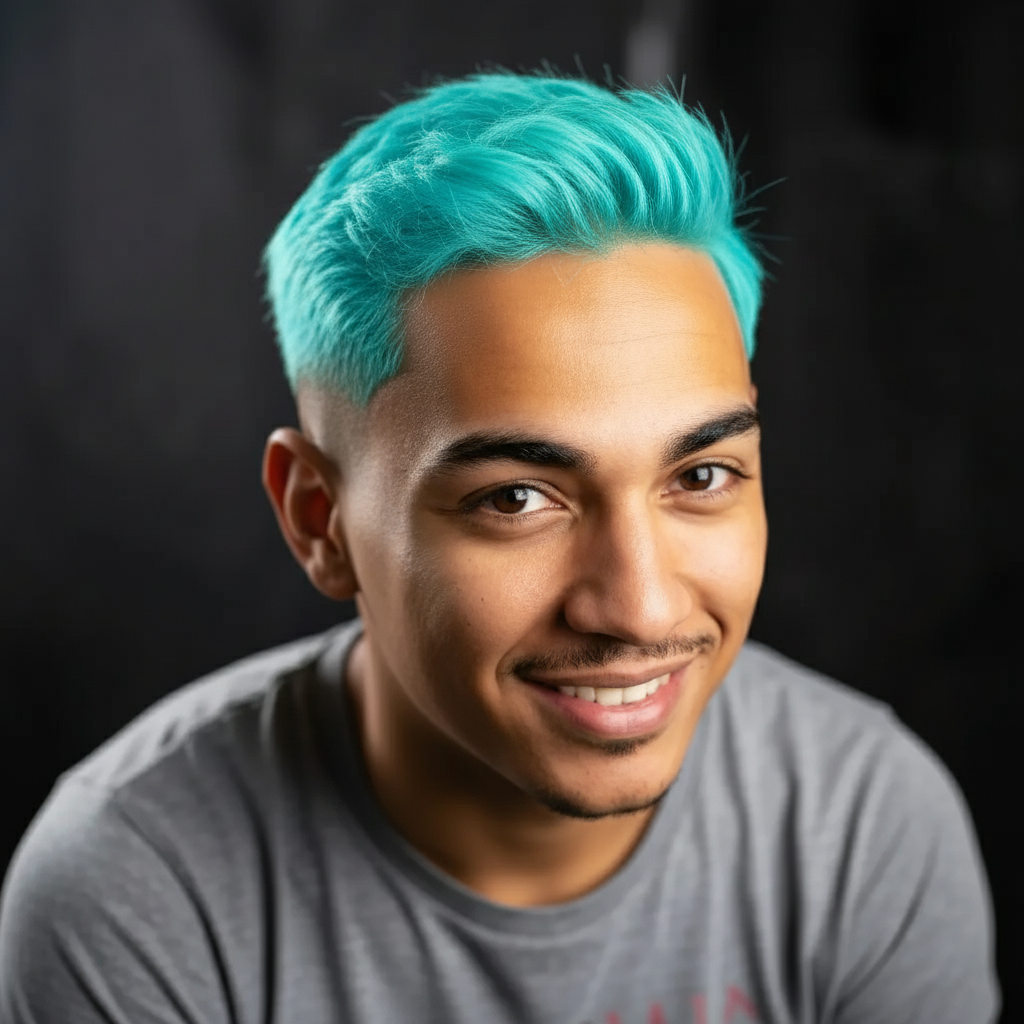
- Want color? Specify it. "Platinum blonde buzz cut" or "long, wavy hair with subtle auburn highlights."
- Reference styles. Use terms like "90s curtain bangs," "classic pompadour," or "messy shag mullet." The AI is trained on these concepts.
- 3. Iterate and Experiment:Your first attempt might not be perfect, and that's okay! Think of it as a creative process.
- Try tweaking your prompt. If "short fade" wasn't quite right, try "low fade" or "taper fade."
- Upload a different photo. A slightly different angle or lighting can sometimes make a big difference.
- Don't be afraid to try something wild! The whole point of an AI hairstyle tool is to experiment without risk. Ever wondered what you'd look like with a green mohawk? Now's your chance to find out.
Beyond the Basics: Creative Ways to Use an AI Hairstyle Generator
Once you've nailed the basics, you can start thinking like a true creative. An AI hairstyle generator isn't just for a simple "try-on." It's a tool for inspiration.
- Generate Ideas from Scratch: Don't have a photo? No problem. Use the text-to-image feature to dream up new hairstyle ideas. Try prompts like, "concept art of a futuristic male hairstyle with glowing highlights" or "photo of a man with a hairstyle inspired by ocean waves." You might discover a look you never would have considered.
- Fix a Bad Haircut (Virtually): Got a haircut you're not thrilled with? Upload a photo and use the AI to explore ways to fix or style it differently as it grows out. It can give you hope!
- Find the Perfect Hair Color: It's not just about the cut. Use the tool to experiment with different hair colors. See if you're a candidate for silver, copper, or a bold fashion color before you even think about buying bleach.
Alright, we've talked about how AI hairstyle tools work and the best ways to use them. You now have all the knowledge you need to start exploring.
But reading is one thing; trying is another. That's why I built our **AI Hairstyle Generator**. It's completely free, it's easy to use, and it's the perfect way to put everything you've just learned into practice. Upload your photo, write a prompt, and see your new look in seconds.
Stop wondering and start seeing. Find a look you love, save the image, and walk into your next haircut appointment with unshakable confidence.
Try Our Free AI Hairstyle Generator